[laser cutter design software]Ultimate Guide to Laser Cutter Design Software: Features, Benefits and How to Choose the Best One
News 2025-3-27
Laser cutting has become an essential part of various industries, from manufacturing to wood carving. With the help of cutting-edge laser cutter design software, the process has become more efficient and accurate. This article aims to guide you through the world of laser cutter design software, highlighting its features, benefits, and how to choose the best one for your needs.
What is Laser Cutter Design Software?
Laser cutter design software is a computer program designed to assist in the planning and execution of laser cutting processes. It allows users to create intricate designs, edit them as per requirements, and send the final design to the laser cutter machine for production. The software provides a range of tools and features that enable users to create precise designs with ease.
Features of Laser Cutter Design Software
1. Vector Graphic Design: The software offers a vector graphic design tool that enables users to create detailed designs using lines, shapes, and colors.
2. Auto-Routing: This feature automatically routes the design around the material, ensuring efficient cutting without compromising on precision.
3. Material Selection: The software supports various materials, including wood, metal, glass, and plastic, allowing users to cut different materials with ease.
4. CAD Integration: Many software programs integrate with CAD (Computer-Aided Design) tools, enabling users to import designs created in other software programs.
5. G-Code Generation: The software generates G-code, which is a programming language used to control CNC (Computer Numerical Control) machines, including laser cutters.
Benefits of Using Laser Cutter Design Software

Ultimate Guide to Laser Cutter Design Software: Features, Benefits and How to Choose the Best One

Ultimate Guide to Laser Cutter Design Software: Features, Benefits and How to Choose the Best One
3. Cost-Effective: By reducing the time and material wastage, the software helps reduce production costs.
4. Versatile: The software supports different materials and cutting styles, enabling users to create diverse products.
5. User-Friendly Interface: The intuitive interface makes it easy for users to create designs and manage the cutting process.
How to Choose the Best Laser Cutter Design Software?
1. Determine Your Needs: Identify the type of cutting you need to do and the materials you'll be working with to choose software that meets your specific requirements.
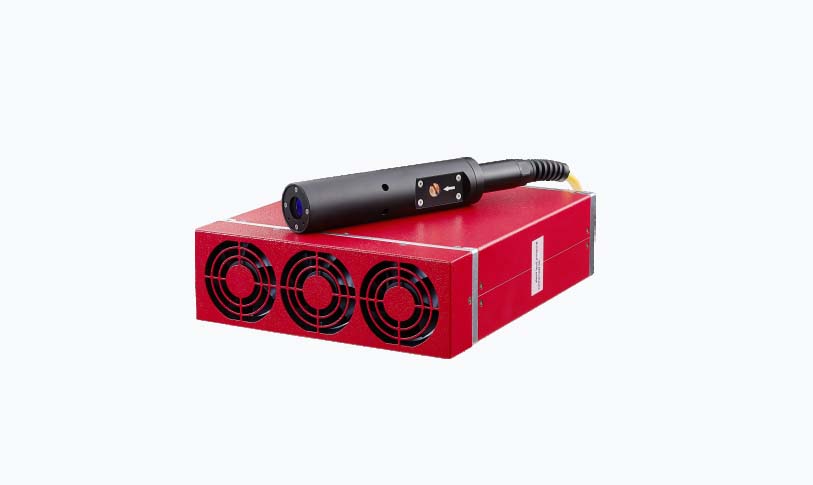
Ultimate Guide to Laser Cutter Design Software: Features, Benefits and How to Choose the Best One
3. Trial Versions: Many software providers offer trial versions. Take advantage of these offers to test the software before purchasing.
4. Consider Integration: If you already use other design or CAD software, choose a laser cutter design software that integrates smoothly with them.
5. Support and Training: Look for software that provides good customer support and training resources to help you get started with the software easily.
In conclusion, laser cutter design software is an essential tool for anyone involved in laser cutting. By understanding its features, benefits, and how to choose the best one for your needs, you can enhance your productivity, improve accuracy, and reduce costs.