[best free laser engraver software]Exploring the Best Free Laser Engraver Software: Unlocking Your Creative Potential Without Breaking the Bank
News 2025-1-21
In recent years, the popularity of laser engraving has surged, enabling hobbyists and professionals alike to create detailed designs on a variety of materials. Whether you're crafting personalized gifts, creating intricate art, or working on business projects, having the right software can make all the difference. Fortunately, there are several high-quality free laser engraver software options available that allow you to tap into your creative potential without incurring hefty expenses. In this article, we’ll explore some of the best free laser engraver software that can help you get started on your engraving journey.
1. **LaserGRBL**
LaserGRBL is one of the most popular free software options for controlling laser engravers. This open-source software is primarily designed for GRBL-compatible laser systems. Its user-friendly interface allows even beginners to get started quickly. LaserGRBL supports a wide range of file formats, including BMP, JPG, PNG, and SVG. It also provides features such as image processing, allowing users to adjust brightness and contrast to prepare images for engraving. With its easy setup process and multitude of features, LaserGRBL stands out as a leading choice among free laser engraver software.
2. **Inkscape with G-Code Tools**
Inkscape is a versatile, open-source vector graphics editor that can be paired with various add-ons to serve as a powerful laser engraving software. With the G-Code Tools extension, you can convert your vector designs into G-code, which is the language used by CNC machines, including laser engravers. Inkscape supports a variety of file formats, thus allowing you to create detailed and intricate designs. While it may have a steeper learning curve compared to other options, the flexibility and creative potential it offers are exceptionally rewarding for those willing to invest time.
3. **LightBurn (Limited Trial Version)**
While LightBurn is primarily a paid software, it offers a trial version that includes all features and allows you to experience its capabilities firsthand before committing to a purchase. It’s designed specifically for laser engraving and laser cutting, supporting various file formats such as SVG, AI, and DXF. LightBurn simplifies the engraving process with its intuitive interface and powerful features, such as real-time preview of designs and versatile editing options. Although the free trial has limitations, it provides a solid introduction to one of the industry leaders in laser engraver software.
4. **BenBox**
BenBox is another user-friendly software option, particularly suited for those using DIY laser engravers. This software is designed for use with the BenBox laser cutting machine, but it can also control other machines with simple modifications. BenBox supports a variety of image formats, including BMP and G-code. Its intuitive interface is conducive for beginners to navigate, allowing you to import images and set parameters with ease. Although not as feature-rich as others on this list, its simplicity makes it a favorite among novices.
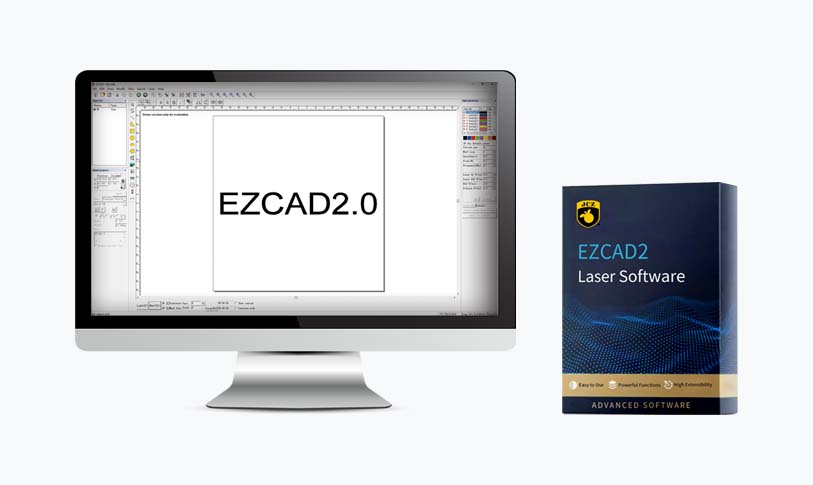
Exploring the Best Free Laser Engraver Software: Unlocking Your Creative Potential Without Breaking the Bank

Exploring the Best Free Laser Engraver Software: Unlocking Your Creative Potential Without Breaking the Bank
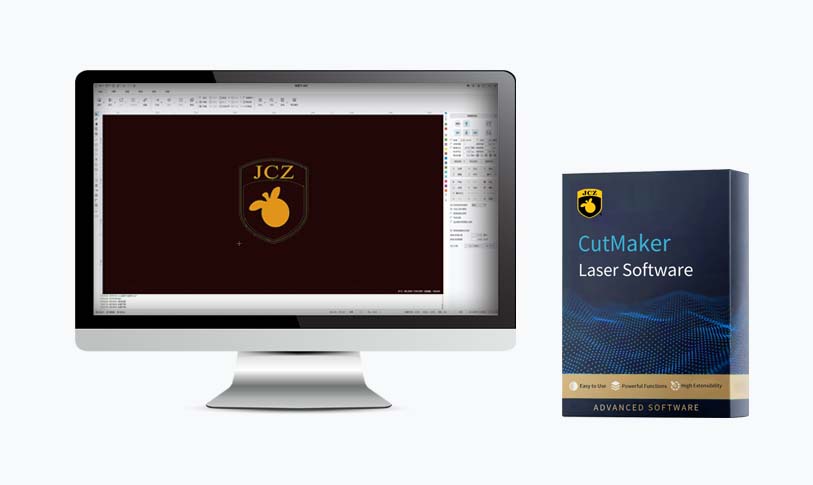
Exploring the Best Free Laser Engraver Software: Unlocking Your Creative Potential Without Breaking the Bank
6. **T2Laser**
T2Laser is another excellent choice for controlling laser engravers, especially for those using GRBL firmware. This software allows you to design and engrave directly from its interface and supports a variety of image formats. With features like image conversion and the ability to adjust speed and power settings, T2Laser is versatile and user-friendly. The free version has limitations, but the software nonetheless provides ample features for hobbyists and small projects.
Conclusion
When it comes to laser engraving, the right software can elevate your projects and unleash your creativity. The options listed above represent some of the best free laser engraver software available today. Each has its strengths, catering to different needs and skill levels, from beginners to more advanced users. Whether you opt for LaserGRBL for its straightforward interface, Inkscape for its creative possibilities, or explore the trial versions of premium software like LightBurn and Vectric Cut2D, you can start your engraving journey without a financial burden. Embrace these tools, and soon you’ll be turning your ideas into tangible, beautifully engraved creations.