[best laser engraver software]Discover the Best Laser Engraver Software for Precision Projects: Your Comprehensive Guide to Choosing the Right Tool for the Job
News 2025-1-17
When working with laser engraving, the choice of software can make a significant difference in achieving precise, high-quality results. With so many options available, it’s crucial to identify the best laser engraver software that aligns with your project requirements and skill level. This article explores some of the most effective software solutions on the market, providing insights to help you make an informed decision.
Understanding Laser Engraving Software
Laser engraving software facilitates the design, editing, and execution of engraving projects by translating your creative ideas into machine-readable formats. These programs offer a range of features like vector graphics editing, design templates, and compatibility with various laser cutter models. Your selection will depend on several factors, including your operating system (Windows or macOS), the complexity of your projects, and whether you are a beginner or an experienced user.

Discover the Best Laser Engraver Software for Precision Projects: Your Comprehensive Guide to Choosing the Right Tool for the Job
1. **Compatibility**: Ensure the software you choose is compatible with your operating system and your specific laser engraving machine. 2. **User Interface**: A user-friendly interface is essential, especially for beginners. The software should provide intuitive tools that simplify the design process. 3. **Design Tools**: Look for software that offers a variety of design tools, such as vector graphics capabilities, image editing, text manipulation, and design templates. 4. **File Format Support**: The ability to work with various file formats (like SVG, BMP, and DXF) is crucial for smooth operation between your design software and laser engraver. 5. **Support and Community**: Opt for software that has a robust support system and a community where you can find tutorials and troubleshooting help.
Top Recommendations for Laser Engraver Software
**1. LightBurn** LightBurn is widely regarded as one of the best laser engraver software options available due to its compatibility with many laser cutters. It supports popular graphics formats like SVG and AI, enabling users to create custom designs. LightBurn provides powerful design tools, including a built-in text editor, image tracing, and vectorization features. Its user interface is user-friendly, making it suitable for both beginners and experts. The software is available for Windows, macOS, and Linux.
**2. Adobe Illustrator** While primarily a vector graphics editor, many professionals use Adobe Illustrator in conjunction with laser engraving. Not only can you create intricate designs, but you can also export your projects directly to formats compatible with most laser cutters. However, it’s important to note that Adobe Illustrator is a paid software, which may not fit everyone’s budget, especially beginners. Still, its powerful features and design capabilities can justify the cost for serious users.
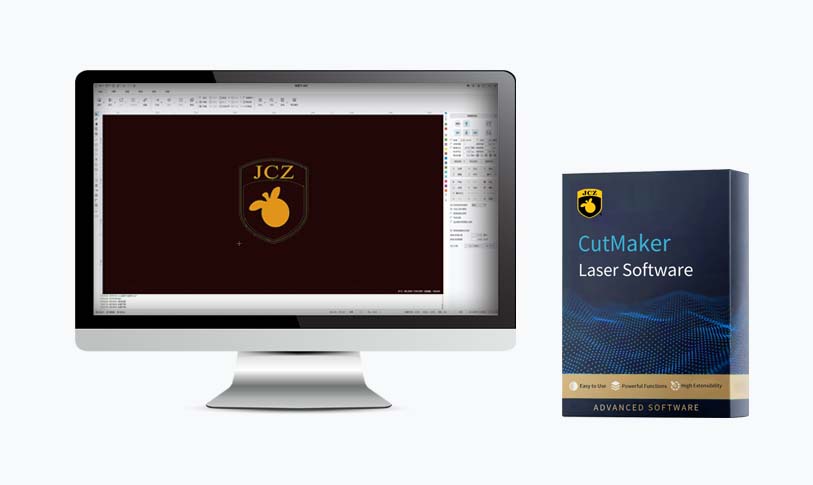
Discover the Best Laser Engraver Software for Precision Projects: Your Comprehensive Guide to Choosing the Right Tool for the Job

Discover the Best Laser Engraver Software for Precision Projects: Your Comprehensive Guide to Choosing the Right Tool for the Job
**4. RDWorks** Tailored specifically for Ruida laser controllers, RDWorks is another great software option. It provides all the necessary tools to create design files, adjusting speed and power settings for optimal engraving. Users can easily import various image files and generate commands for their laser engravers. While it provides a streamlined experience for users of Ruida systems, its features may be limited for those using different controllers.
**5. CorelDRAW** CorelDRAW is another powerful design software used extensively in the engraving industry. It’s not free, but its advanced vector editing capabilities make it a go-to for professional designers and engraving specialists. CorelDRAW allows users to create highly detailed artwork, and its compatibility with a variety of laser cutters makes it versatile for most projects.
Conclusion
Choosing the best laser engraver software largely depends on your particular needs, experience level, and the type of projects you plan to undertake. For beginners, Inkscape or LightBurn might be the most feasible options, while professionals could lean toward Adobe Illustrator or CorelDRAW for advanced capabilities. Always consider compatibility with your laser engraver and the type of materials you will be working with. Ultimately, the right software can elevate your laser engraving projects, transforming ideas into beautiful reality.