[free software for laser engraver]Unlocking Creativity with Free Software for Laser Engraver: A Guide to Designing Endless Possibilities
News 2025-1-13
****In the realm of laser engraving, creativity meets technology to produce stunning designs and intricate artworks. However, for many hobbyists and professionals alike, the barrier to entry can often be the cost associated with specialized software. Fortunately, there is a myriad of free software for laser engravers, allowing users to explore their creative potential without breaking the bank. In this article, we will delve into some of the most popular free laser engraving software options, explore their features, and provide tips to maximize your engraving projects.
Understanding the Basics of Laser Engraving
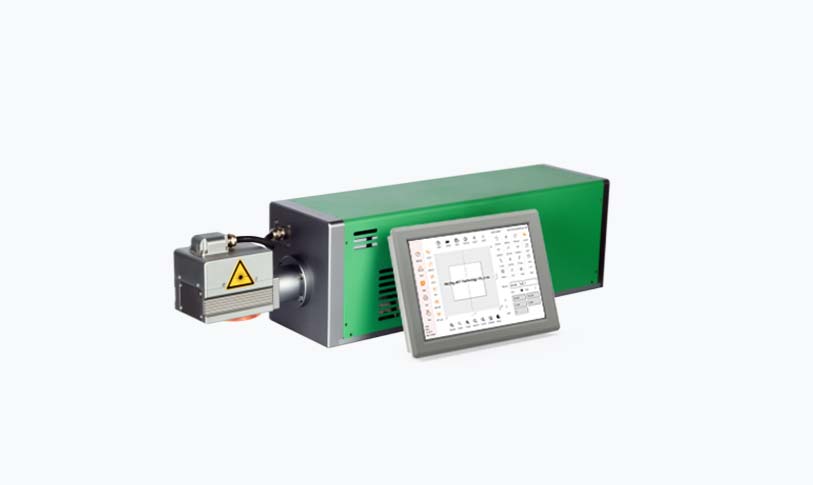
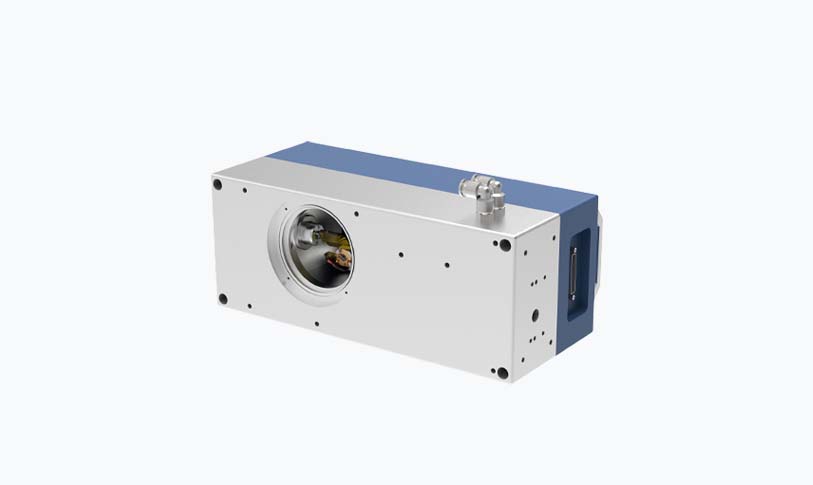
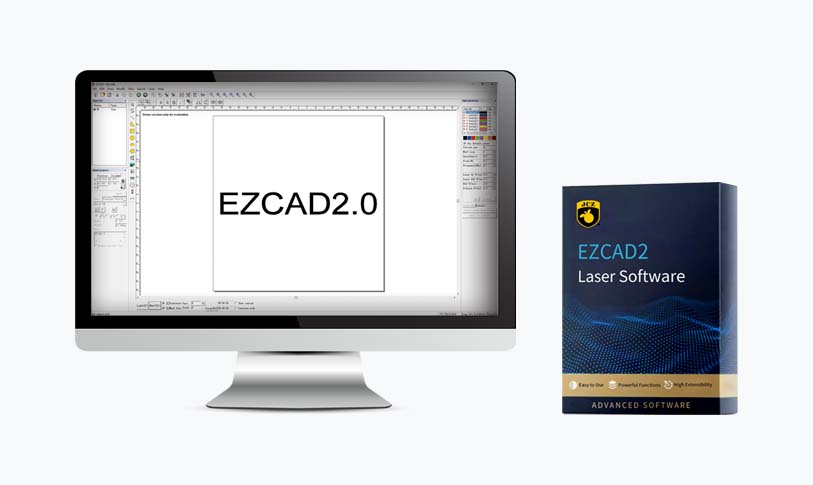
Laser engraving is a process that uses a high-powered laser to engrave designs onto various materials, such as wood, acrylic, glass, metal, and leather. The precision of lasers allows for intricate designs that can be incredibly detailed and complex. To bring your ideas to life, software programs are necessary to design and prepare the files for engraving. They help in converting your creativity into the language that the laser cutter understands.
Popular Free Software for Laser Engravers
1. **Inkscape**: One of the most powerful and widely-used free vector graphics software, Inkscape is perfect for creating detailed designs for laser engraving. This program allows you to create vector files in formats such as SVG, which are compatible with most laser cutters. With a wide array of tools like bezier curves, shapes, and text support, Inkscape enables users to manipulate designs easily. Additionally, there are various plugins available that can enhance its compatibility with laser engravers.
Unlocking Creativity with Free Software for Laser Engraver: A Guide to Designing Endless Possibilities
3. **LaserGRBL**: This is an open-source software specifically designed for controlling GRBL-based laser engravers. LaserGRBL is extremely beginner-friendly and provides a straightforward way to import designs and get started with engraving. The software supports several file formats and features an intuitive interface that makes it easy to adjust settings, such as speed and power, for various materials.
Unlocking Creativity with Free Software for Laser Engraver: A Guide to Designing Endless Possibilities
5. **PhotoGrav**: While primarily a paid software, PhotoGrav offers a free demo version that can be useful for new users. This program is specialized for converting photos into engravings by applying settings that match various materials. Although its demo has limited features, it can help users understand how to convert images for engraving effectively.
Tips for Maximizing Your Engraving Projects with Free Software
- **Start Simple**: Begin with basic designs to familiarize yourself with the software and engraving machine. Experimenting with simple patterns and shapes will help you understand how adjustments impact the final output.
- **Utilize Online Resources**: Many communities and forums are dedicated to laser engraving. Resources such as tutorials, YouTube videos, and online courses can offer you guidance in mastering the intricacies of your selected software.
Unlocking Creativity with Free Software for Laser Engraver: A Guide to Designing Endless Possibilities
- **Test Your Designs**: Before committing to larger or more expensive materials, always test your designs on scrap pieces. This will help you figure out the proper settings for speed, power, and focus.
- **Join Community Groups**: Many laser engraving users share their experiences online. By joining forums or community groups, you can gain insights, tips, and support from peers who have encountered similar challenges.
Conclusion
The world of laser engraving is more accessible than ever with the availability of free software designed to help you unleash your creativity. By exploring programs like Inkscape, LaserGRBL, and others mentioned, you can create stunning designs without the burden of software costs. Remember to take your time as you learn the ins and outs of these tools, and soon enough, you will be crafting intricate pieces that reflect your unique artistic style. Whether for personal projects or professional work, the right free software for laser engraver can open a realm of possibilities for anyone passionate about this fascinating craft.