[free laser software]Unlock Creative Possibilities with Free Laser Software: A Guide to Cutting, Engraving, and Designing with Minimal Investment
News 2025-1-12
Unlock Creative Possibilities with Free Laser Software: A Guide to Cutting, Engraving, and Designing with Minimal Investment
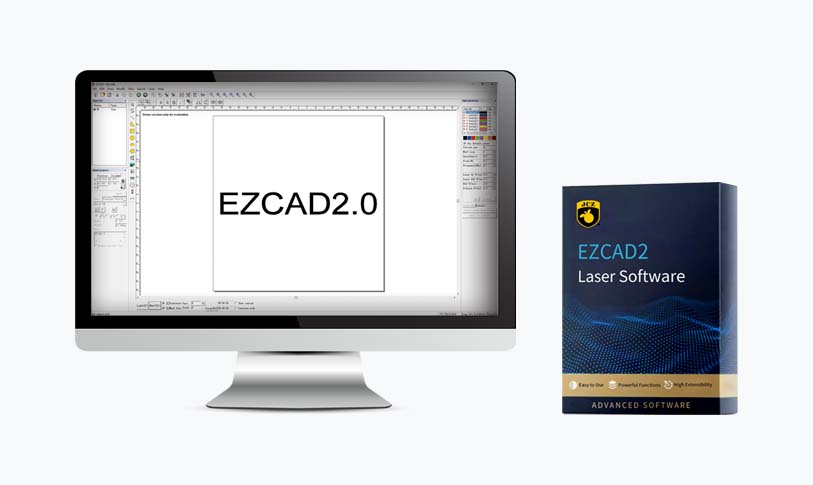
First and foremost, let's discuss what laser software does. Laser software acts as an intermediary between your computer and the laser cutter. It converts designs from vector graphics into instructions that the laser machine can understand, allowing you to produce intricate designs with ease. Some software options come with built-in design tools, while others may require the use of additional design programs. Below, we will highlight several noteworthy options for free laser software.
Inkscape
Inkscape is a powerful open-source vector graphics editor that is widely used by both beginners and professionals. It provides an impressive suite of tools for creating intricate designs and illustrations. Inkscape supports various file formats, including SVG, which is ideal for laser cutting applications.
One of the standout features of Inkscape is its ability to work with extensions specifically designed for laser cutting. By installing dedicated plugins like the “Gcode Tools” extension, users can export their designs as G-code files, the language understood by most laser cutters. With its versatile design capabilities and the plethora of add-ons available, Inkscape is an excellent choice for anyone looking to get started with laser cutting.
LaserWeb
LaserWeb is another free open-source software tailored specifically for laser cutting and engraving. This powerful software is designed for those who want to control their laser cutter directly from their computer. LaserWeb combines several functionalities into one platform, allowing users to design projects, manage cutting parameters, and preview the cutting paths before executing them.
One of the key advantages of LaserWeb is its ability to handle different types of laser machines. The software can work with various controllers, making it compatible with a wide range of devices. Users can easily adjust settings like speed and power to optimize their cutting and engraving results. Its straightforward interface makes it suitable for beginners while still providing advanced features for experienced users.
LightBurn
Unlock Creative Possibilities with Free Laser Software: A Guide to Cutting, Engraving, and Designing with Minimal Investment
The software supports a variety of file formats and has built-in design tools that eliminate the need for external design software. Users can also directly manage their laser cutter through LightBurn, customize parameters, and even simulate the cutting process on-screen. Although the trial comes with some limitations, it provides an excellent opportunity to explore its capabilities before making a purchase.
Universal Laser Systems CorelDRAW
If you are using a laser cutter from Universal Laser Systems, you may have access to a free version of CorelDRAW tailored specifically for laser applications. CorelDRAW is a professional vector design tool, and the free version retains many core features needed for effective laser cutting.
By leveraging its advanced design capabilities, you can create complex artwork and export your files for cutting with ease. This software also includes various interactive tools that make designing a breeze, and users can benefit from an extensive library of resources and support from the Corel community.
Unlock Creative Possibilities with Free Laser Software: A Guide to Cutting, Engraving, and Designing with Minimal Investment
Exploring the world of laser cutting and engraving doesn’t have to come with a hefty price tag. With powerful free laser software options available, you can unlock your creative potential without straining your finances. Whether you're a hobbyist looking to create unique crafts or a professional aiming to enhance your productivity, software like Inkscape, LaserWeb, LightBurn, and CorelDRAW can provide you with the tools necessary to bring your ideas to life. So, why wait? Start experimenting with these free tools and see where your creativity takes you!