[free software for laser engraver]Unlock Your Creativity: A Comprehensive Guide to Free Software for Laser Engravers That Will Elevate Your Projects and Designs
News 2024-12-23
****Laser engraving is a fascinating technology that allows creators, artisans, and hobbyists to bring their ideas to life through intricate designs and carvings. Whether you’re a seasoned woodworker or a newbie looking to explore the world of laser engraved art, having the right software can make a significant difference in the quality and efficiency of your projects. Fortunately, there’s a plethora of free software available specifically designed for laser engravers, enabling you to create stunning works without a hefty investment. In this article, we’ll explore some of the best free software options for laser engraving and how they can streamline your creative process.
Understanding Laser Engraving Software
Before diving into specific software options, it's vital to understand the role of software in laser engraving. Laser engravers operate using vector-based design files typically saved in formats like SVG, DXF, or AI. These files contain instructions for the engraving machine, directing it on what to cut or etch into the material. The software you choose can greatly influence the ease of creating these designs, the types of materials you can engrave, and the complexity of your projects.
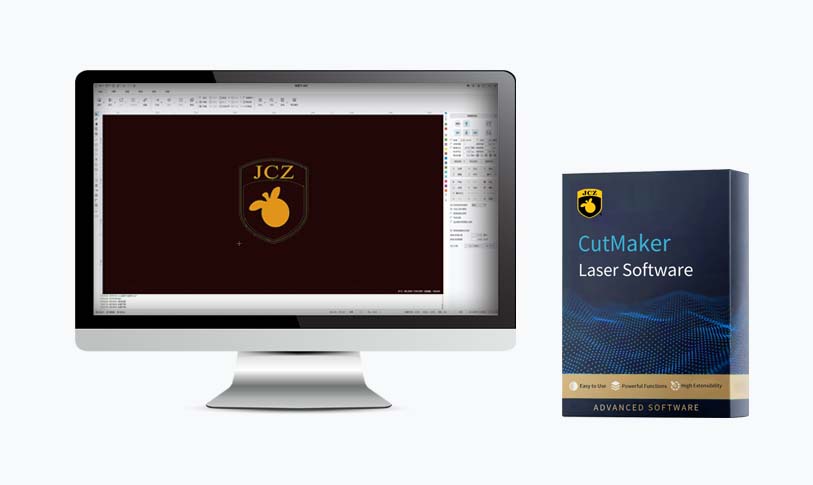
Unlock Your Creativity: A Comprehensive Guide to Free Software for Laser Engravers That Will Elevate Your Projects and Designs
1. **Inkscape** One of the most popular choices among hobbyists and professionals alike is Inkscape. This open-source vector graphics software is packed with robust features that allow users to create and edit vector images easily. Inkscape supports a variety of file formats, including SVG and DXF, making it a perfect fit for laser engraving projects. With its extensive library of tools, including shape creation, text manipulation, and path editing, Inkscape provides creative freedom to design detailed graphics for engraving. Additionally, a wealth of tutorials and community resources is available to help you get started.
2. **LaserGRBL**
Designed specifically for G-code generation for laser engravers, LaserGRBL is a Windows-based software that is user-friendly and effective. It allows you to load images and convert them to G-code, making it simple to work with raster-based engraving projects. LaserGRBL supports various engraving methods, including grayscale, and vector, making it versatile for different applications. The software also includes features for controlling the speed and power of the laser, ensuring that your engravings come out clean and precise.
3. **LightBurn (Trial Version)**
While not completely free, LightBurn offers a trial version that can be extremely useful for those just starting out. It's a powerful design and control software that’s compatible with many laser engravers on the market. The trial version has most of the essential features, allowing you to create and edit designs, generate G-code, and manage laser settings. The robust interface provides tools for vector creation, image manipulation, and layered designs. If you find that you need more features for extensive projects, you can consider upgrading to the paid version.
4. **Blender**
For those interested in 3D designs and more complex engraving projects, Blender is an excellent free tool. Although primarily known for its 3D modeling capabilities, Blender can also be used to create detailed 3D engravings. Users can design objects, export them as STL files, and then convert these into vector files using additional software like Fusion 360 or Inkscape. Blender has a steep learning curve, but its flexibility and capability for creating intricate details make it worthwhile.

Unlock Your Creativity: A Comprehensive Guide to Free Software for Laser Engravers That Will Elevate Your Projects and Designs

Unlock Your Creativity: A Comprehensive Guide to Free Software for Laser Engravers That Will Elevate Your Projects and Designs
Conclusion
The world of laser engraving opens up limitless creative possibilities, and with the right software, anyone can transform their ideas into tangible works of art. From the versatile Inkscape to the user-friendly LaserGRBL and the complex Blender, numerous free software options available today cater to various needs and skill levels. By leveraging these tools, you can enhance your laser engraving experience, produce high-quality designs, and ultimately realize your creative visions without breaking the bank. Dive into these free software options today and start creating impressive laser-engraved projects that stand out!