[laser cutter program]Exploring Advanced Techniques and Appl
News 2024-10-12
****In the realm of modern manufacturing and design, a laser cutter program has emerged as a transformative tool that opens up a world of possibilities. This technology has gained immense traction across various industries, from crafting personalized products to aiding in large-scale manufacturing processes. By streamlining precision cutting and engraving, laser cutter programs have revolutionized how artisans, engineers, and entrepreneurs bring their ideas to life. In this article, we will delve into the intricacies of laser cutter software, explore its extensive applications, and provide insight into how it is shaping the future of fabrication.
A Brief Overview of Laser Cutter Programs
At its core, a laser cutter program is software designed to control laser cutting machines. This program is responsible for interpreting digital designs, converting them into instructions that dictate how the machine will operate. These instructions guide the laser on how to move, where to cut, and how to adjust its intensity, ensuring precise and accurate results every time.
The software typically interfaces with design programs such as Adobe Illustrator, CorelDRAW, or AutoCAD, allowing users to create intricate designs and prepare them for laser cutting. Many specialized programs are developed specifically for laser machines and come equipped with features that enhance usability and functionality.
Key Features of Laser Cutter Software

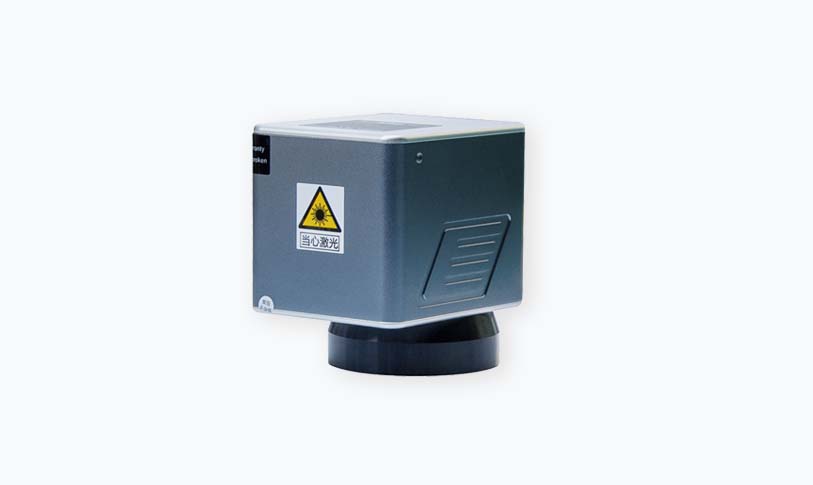
Exploring Advanced Techniques and Applications of a Laser Cutter Program for Creative and Industrial Use
2. **Control of Laser Settings**: Among the most crucial functions of a laser cutter program is the ability to adjust laser speed, power, and frequency settings. These parameters play a vital role in achieving the desired cutting or engraving results based on the material used—be it wood, acrylic, metal, or fabric.
3. **Design Editing Tools**: Many laser cutter programs come with built-in design tools that permit users to edit files directly within the software. Users can manipulate shapes, resize elements, and fine-tune designs to fit specific project requirements.
4. **Material Library**: Advanced programs often include a material library that provides pre-set settings for different materials, allowing users to select the appropriate settings based on their specific project needs quickly.
5. **Preview Functionality**: This feature allows users to run simulations of the cutting process before executing it, reducing the risk of errors and material wastage.
Diverse Applications of Laser Cutter Programs
The versatility of laser cutter programs is evident across multiple disciplines, showcasing their capabilities in various applications:
- **Product Design**: Designers leverage laser cutting technology to create prototypes and customized products, including jewelry, gifts, and decor items. This process allows for intricate designs that can be reproduced with precision.
- **Architecture and Engineering**: In architectural modeling, laser cutter programs facilitate the creation of detailed scale models. Engineers also use laser cutting to fabricate components that require exact specifications, ensuring high-quality production.
- **Education and Maker Communities**: Schools and maker spaces utilize laser cutting programs for teaching purposes. Students can learn about design technology, engineering principles, and artistic expression through hands-on projects.
- **Automotive and Aerospace**: The precision and accuracy of laser cutting make it invaluable in the automotive and aerospace industries, where parts must meet stringent safety and performance standards.
Getting Started with a Laser Cutter Program
For those looking to venture into the world of laser cutting, starting with a good laser cutter program is essential. Here are some steps to consider:
1. **Research Software Options**: Evaluate different laser cutter programs to determine which best suits your needs, considering factors such as ease of use, compatibility, and available features.
2. **Learn the Basics**: Familiarize yourself with the software interface and basic functions. Most programs offer tutorials and support resources to help users get started.
3. **Experiment with Designs**: Start creating simple designs to understand the cutting process. Gradually increase complexity as you gain confidence and expertise.
4. **Engage with Community**: Join online forums or local maker spaces to exchange knowledge and experiences with other users. This collaboration can enhance your understanding of laser cutter programs and inspire your projects.
Conclusion
Exploring Advanced Techniques and Applications of a Laser Cutter Program for Creative and Industrial Use